


FRESH Markets
Pop-Up Shopping For Local Communities

FRESH Markets
About FRESH Markets
Learn more about our organization
Empowering Makers
For more than 14 years, we’ve had one simple mission: bring people together.
Farmers, makers, bakers, growers, neighbors.
Real people, building real businesses, in the places they call home.
Fresh Markets started as a way to give small businesses a place to show up and be seen. Today, our pop-ups and farmers markets help hundreds of local entrepreneurs share their craft, meet new customers, and find a supportive community around them.
Whether you’re testing an idea or growing something you’ve been pouring your heart into for years, we’re here to make the path a little easier.
Transforming Communities
- 14 Years of Local Entrepreneurship
We’ve learned what makes a great market: thoughtful curation, genuine connection, and a space where everyone feels welcome. - A Platform That Helps You Grow
We give small businesses the structure, visibility, and consistency they need to build momentum and reach new customers without feeling overwhelmed. - Connecting Vendors and Community
Our markets aren’t just events. They’re neighborhood gatherings where makers meet supporters, friendships start, and communities strengthen week after week.
Our Story
We connect local makers, food purveyors, farms, and start-up businesses with customers who care about the story behind what they buy.
Fresh Markets began with a simple idea: create spaces where small businesses can show their craft, meet their neighbors, and feel supported. Our mission is to enliven and enrich local communities through thoughtful, welcoming pop-up shopping experiences.
We do this through year-round farmers and makers markets, seasonal pop-ups, and unique events that highlight the creativity and hard work of local entrepreneurs.
Every market is designed with one goal in mind - to bring makers and communities together in a way that feels personal, genuine, and meaningful.
Community Impact
Vendors
10,134
Events (past year)
137
Bookings (all-time)
50,845
What Vendors Say
Based on anonymous feedback from vendors who've worked with this organization
Reliable Operations
Vendors consistently rate this organizer highly for execution
Strong Vendor Return
A high percentage of vendors choose to return each season
Consistently Well Run
High marks across both execution and logistics over time
Our Partners (7)


Our Team

Bret M.
CEO & Founder

Danny C.
COO

Cara K.
General Manager & Head of Curation

Cyd K.
Bell Works FRESH Market Manager

Christal A.
Point Pleasant Beach FRESH Market Manager

Erin M.
Asbury FRESH Market Manager
 Powered by Convene
Current & Upcoming Markets
Browse current and upcoming market locations.
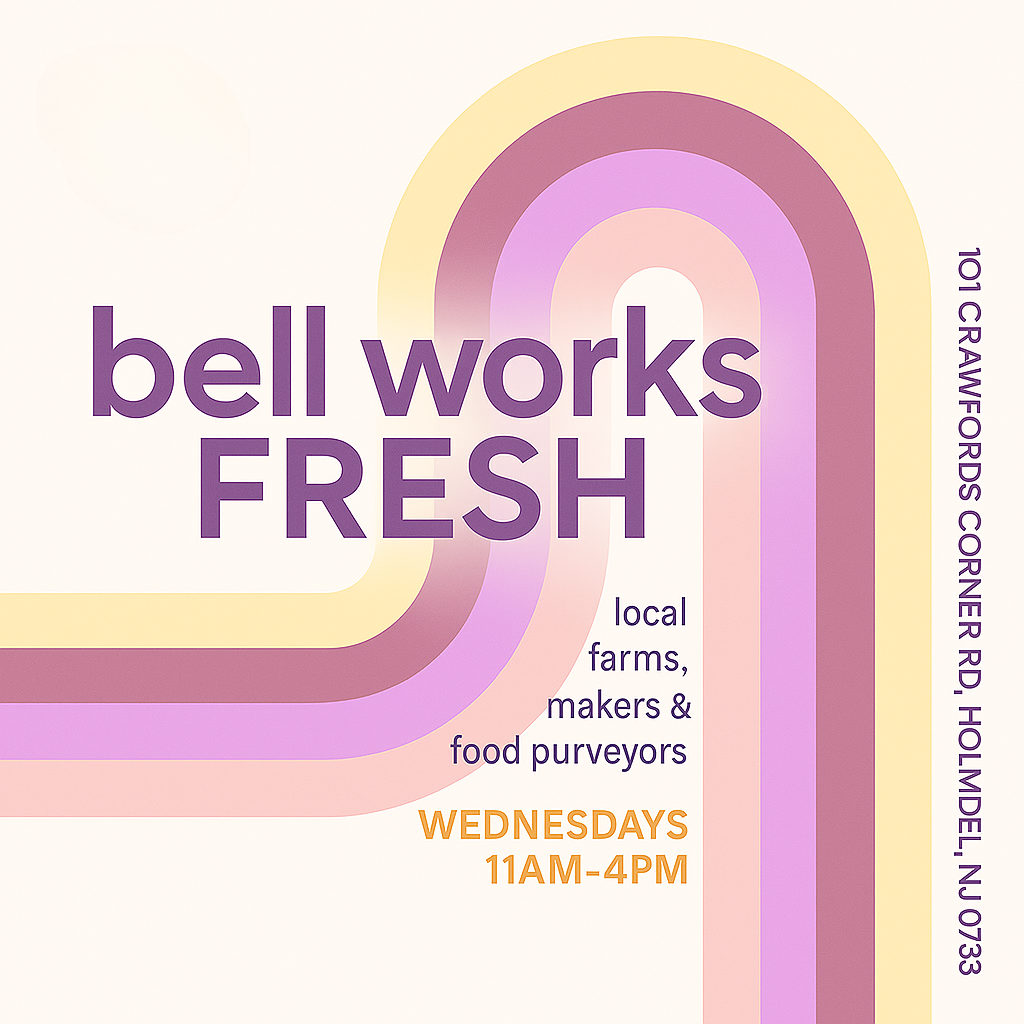
2026 Bell Works FRESH Wednesday Farmers & Makers Market
Join us every Wednesday at Bell Works for the 2026 Farmers and Makers Market....
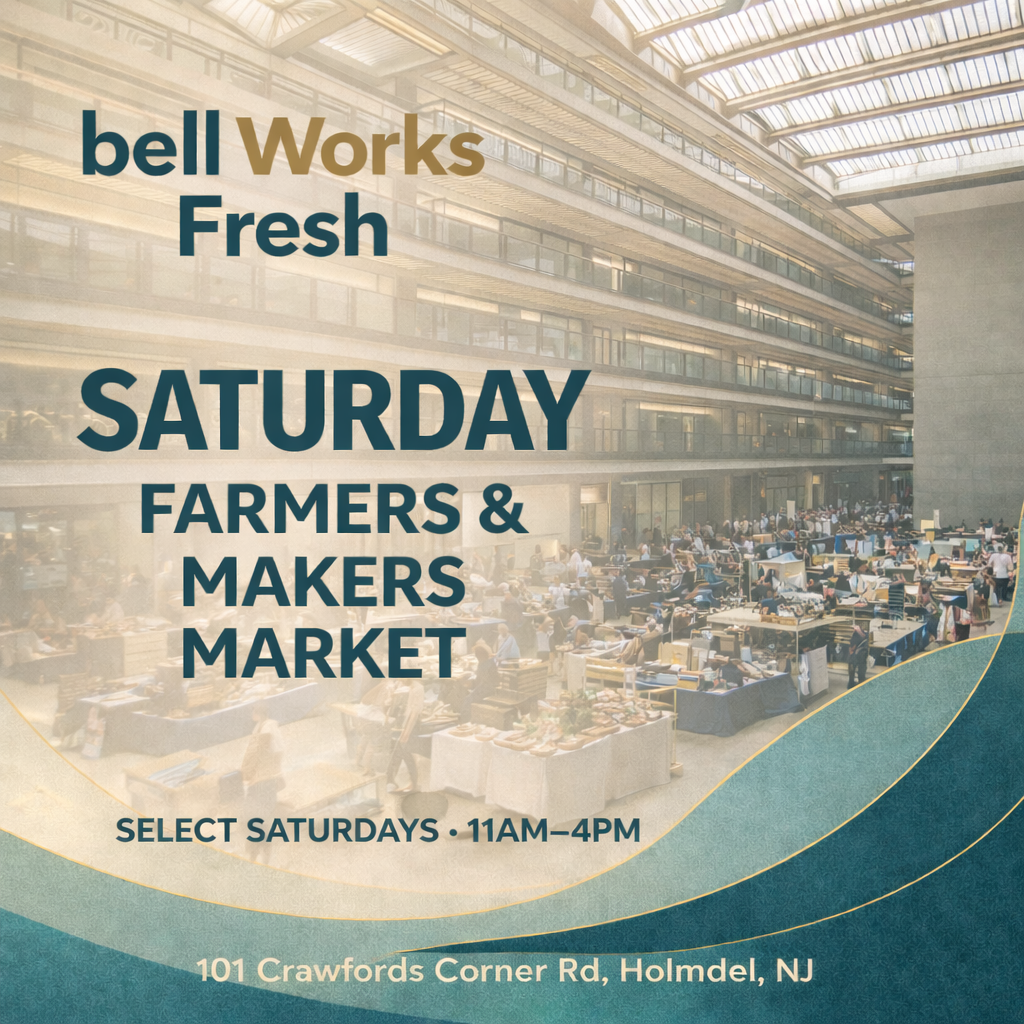
2026 Bell Works FRESH Saturday Farmers & Makers Market
Join us monthly at Bell Works for our Saturday Farmers & Makers Market. Disco...
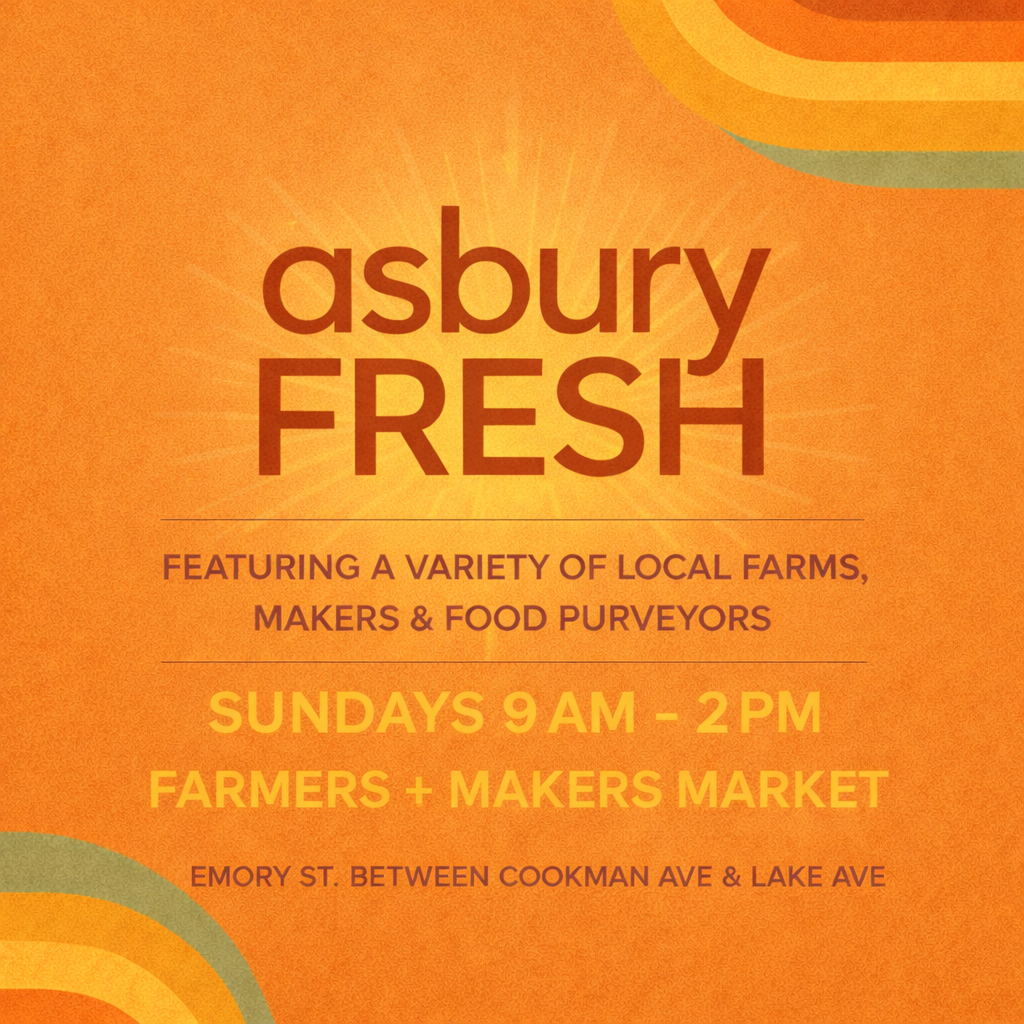
2026 Asbury FRESH Farmers & Makers Market
Asbury Park's beloved farmers & makers market, a weekly favorite for both loc...
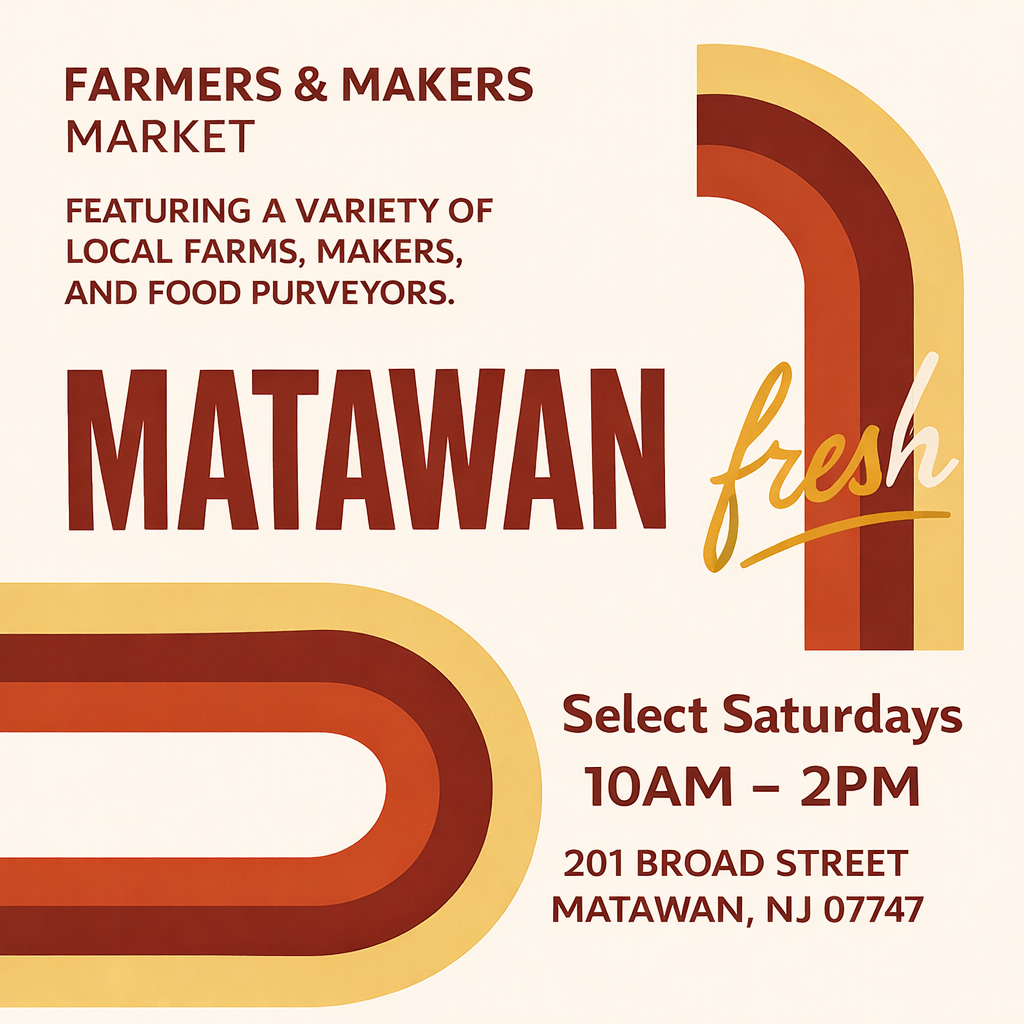
2026 Matawan FRESH Farmers & Makers Market
Matawan Fresh is a lively outdoor market that brings the town together for gr...
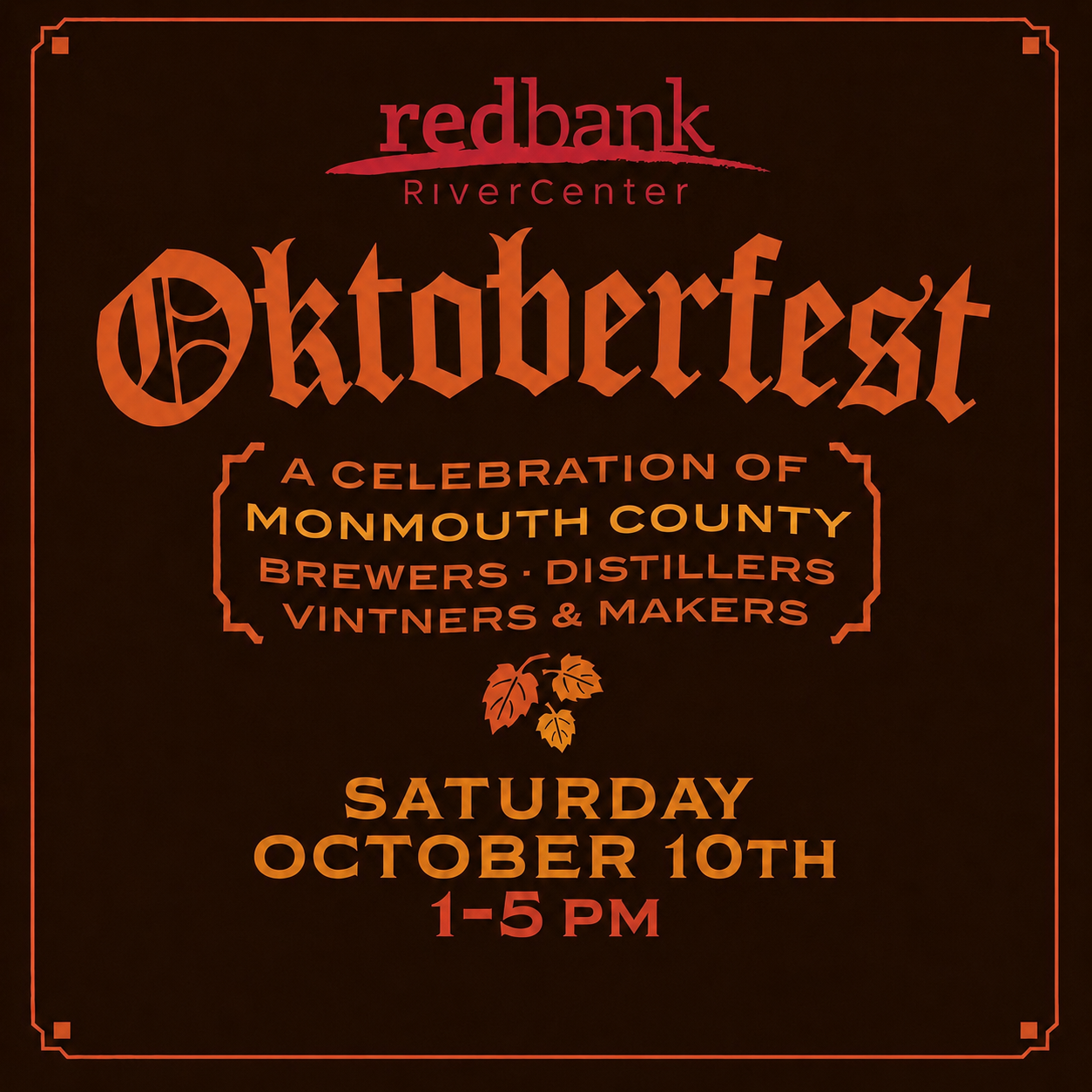
2026 Red Bank Oktoberfest
Held in the heart of downtown Red Bank between Triumph Brewing and Two River ...
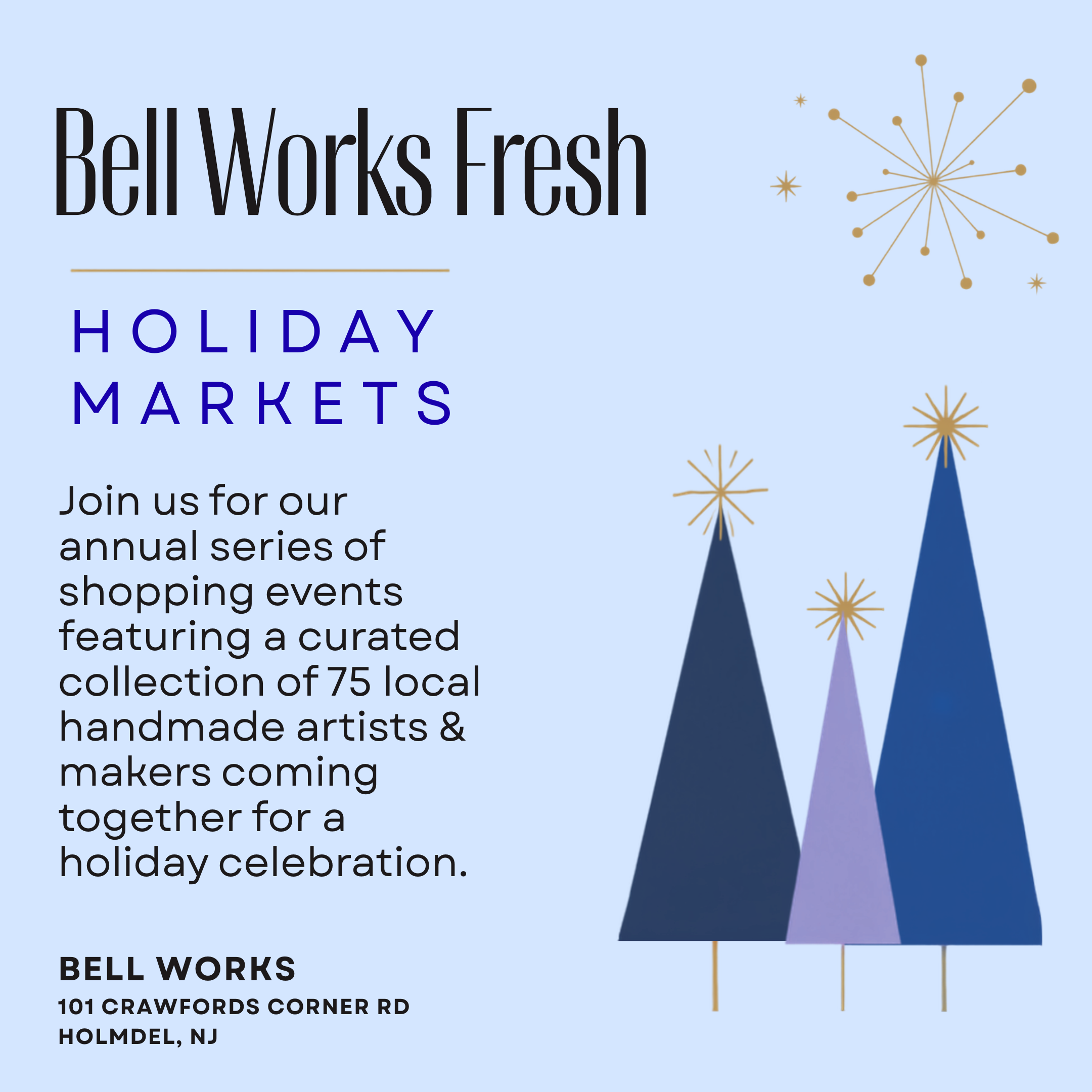
2026 Bell Works Fresh Holiday Markets
Join us for the region's largest series of shopping events featuring a curate...

2026 Porta Holiday Markets
Join us for our series of shopping events featuring a curated collection of 2...
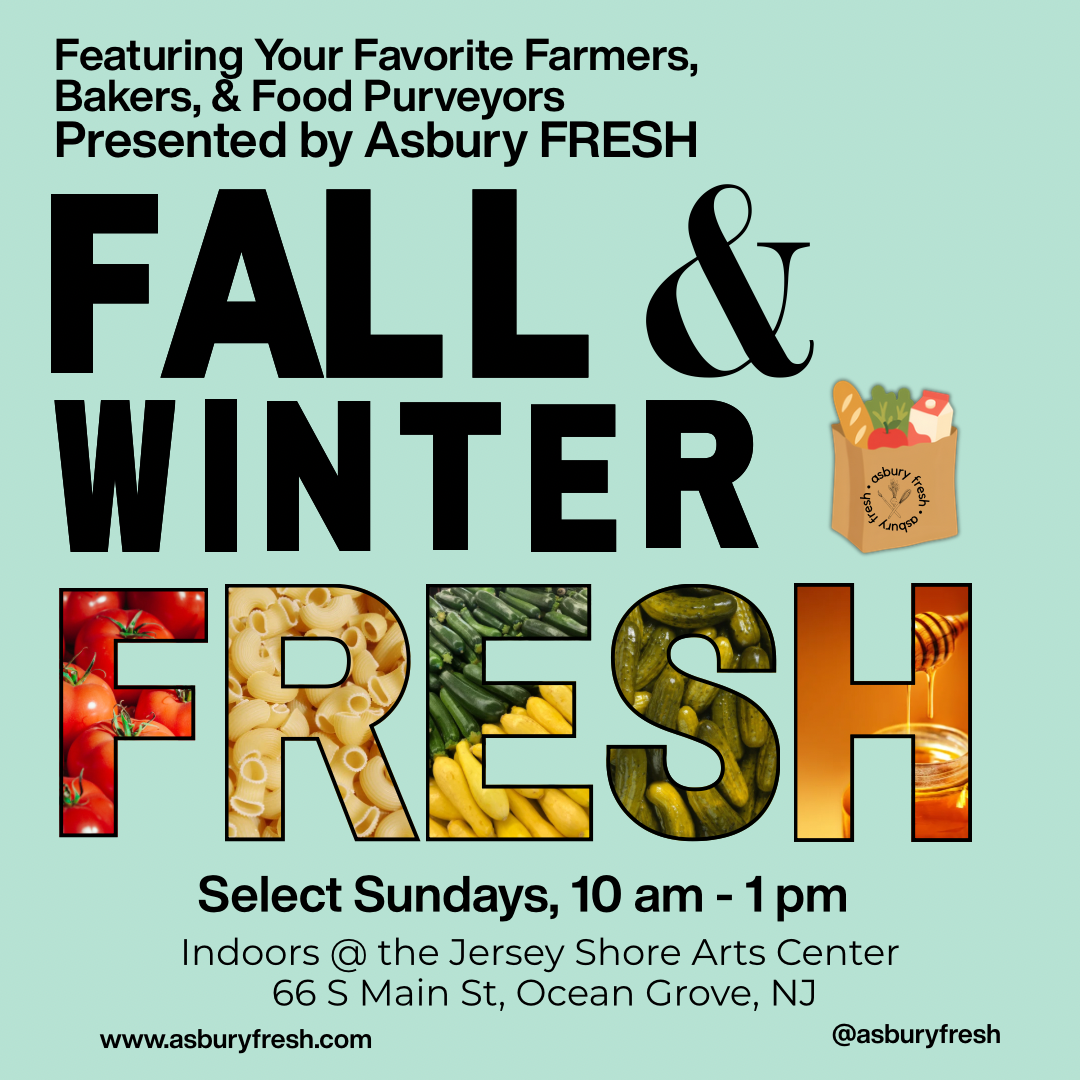
2026/2027 Asbury FRESH Winter Farmers Market
Cold outside. FRESH inside. Asbury FRESH is heading indoors for the winter w...
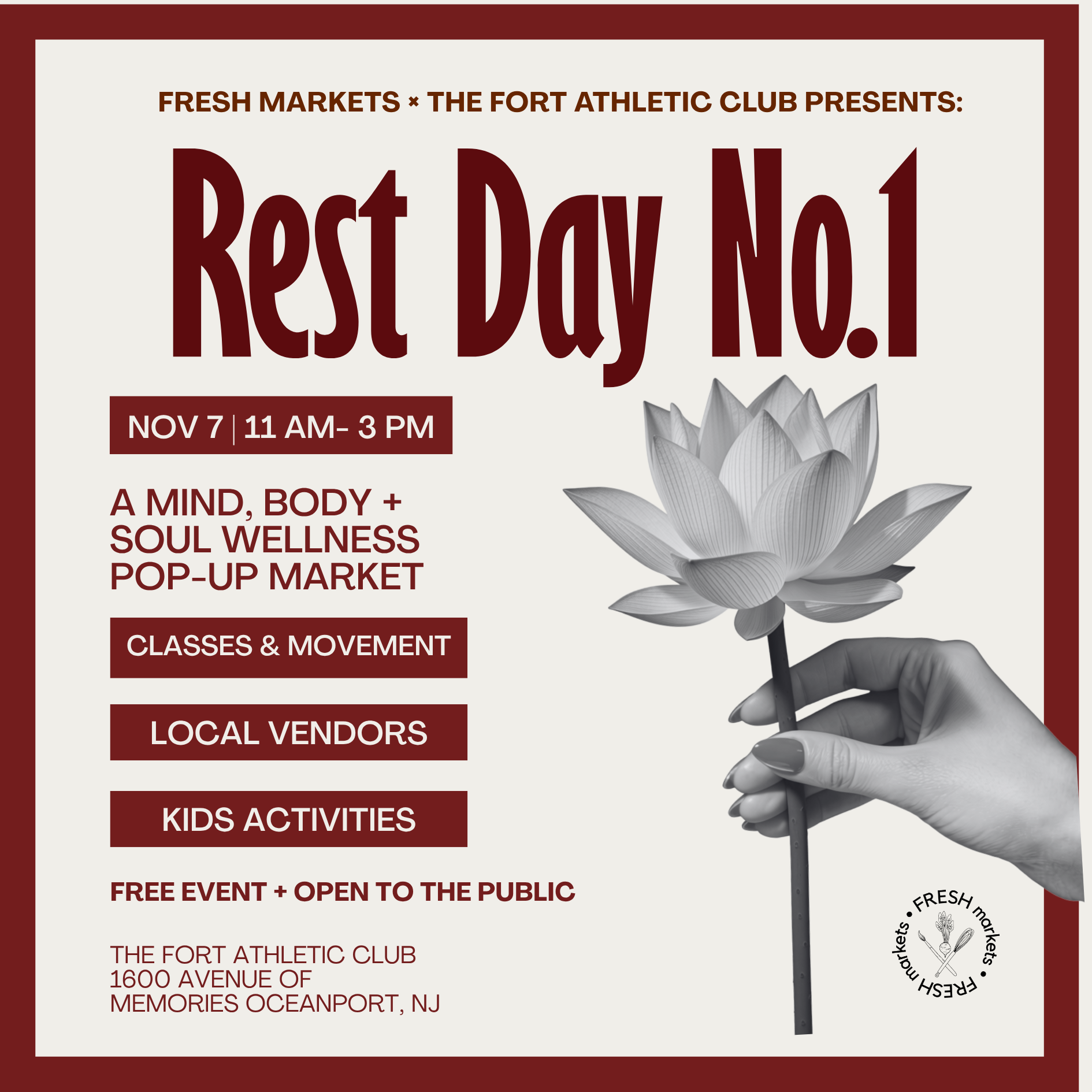
REST DAY - No. 01
REST DAY No. 1 We’re teaming up with The Fort Athletic Club for a new kind o...
2026 Bell Works FRESH Wednesday Farmers & Makers Market
2026 Bell Works FRESH Saturday Farmers & Makers Market
2026 Asbury FRESH Farmers & Makers Market
2026 Matawan FRESH Farmers & Makers Market
2026 Red Bank Oktoberfest
2026 Bell Works Fresh Holiday Markets
2026 Porta Holiday Markets
2026/2027 Asbury FRESH Winter Farmers Market
REST DAY - No. 01
Upcoming Events & Markets
41 events available • Find your next market experience
2026 Matawan FRESH Farmers & Makers Market
Matawan Fresh is a lively outdoor market that brings the town together for great food, good finds...
2026 Asbury FRESH Farmers & Makers Market
Asbury Park's beloved farmers & makers market, a weekly favorite for both locals and tourists, re...
2026 Bell Works FRESH Wednesday Farmers & Makers Market
Join us every Wednesday at Bell Works for the 2026 Farmers and Makers Market. Shop fresh, locally...
2026 Bell Works FRESH Wednesday Farmers & Makers Market
Join us every Wednesday at Bell Works for the 2026 Farmers and Makers Market. Shop fresh, locally...
2026 Bell Works FRESH Saturday Farmers & Makers Market
Join us monthly at Bell Works for our Saturday Farmers & Makers Market. Discover a curated select...
2026 Red Bank Oktoberfest
Held in the heart of downtown Red Bank between Triumph Brewing and Two River Theater, Oktoberfest...
Monthly & Seasonal Packages
Book multiple dates and save with our package deals
2026 Bell Works FRESH Wednesday Farmers & Makers Market
101 Crawfords Corner Rd.
Holmdel, NJ 07712
Monthly & Seasonal Packages
Book multiple dates at once and lock in special pricing for the season.
Monthly Packages
3 months ready to book
Full Season Package
All 9 dates included
Interested in selling at this market?
Vendor pricing is available after creating your FREE vendor account.
Create your FREE vendor account
2026 Asbury FRESH Farmers & Makers Market
Press Plaza
Asbury Park, NJ 07712
Monthly Packages
Book multiple dates at once and lock in special pricing for the season.
Monthly Packages
1 month ready to book
Interested in selling at this market?
Vendor pricing is available after creating your FREE vendor account.
Create your FREE vendor account
2026 Matawan FRESH Farmers & Makers Market
201 Broad St
Matawan, NJ 07747
Monthly & Seasonal Packages
Book multiple dates at once and lock in special pricing for the season.
Interested in selling at this market?
Vendor pricing is available after creating your FREE vendor account.
Create your FREE vendor accountWhat Vendors Say
Hear from vendors who sell with FRESH Markets
For 3 years, I have been a vendor at Bellworks’s and this is how my business began to flourish. This ended up opening many doors and opportunities for me as well as meet new customers every week. They have a great team of hard workers that coordinate each event extremely well. I’m so happy to continue to work with them and recommend any small business to come and join us .
Leena’s bloom
I just celebrated my first year as a vendor for FRESH Markets! I participate in the Bell Works markets and just LOVE them! The venue is gorgeous, the vibe is always amazing, the makers are kind and we really are like a family. I’ve met so many kind people, lovable dogs and always leave the shows with a full heart. Thanks so much for letting me be a part of your journey. ❤️
Upcycled Paperie
We've been participating in FRESH Markets for two years, and it has played a significant role in helping our business grow. The markets are consistently well-organized and well-promoted. The visibility and support we've received here have helped us expand our reach and build lasting customer relationships. We highly recommend FRESH Markets to any business looking for a professional and growth-oriented market experience.
Blake's Chocolates
Selling for Fresh Markets has been a pleasure for many years. They are always accommodating to my needs, friendly and courteous on all occasions. Being associated with Fresh Markets has been the best decision I have ever made to grow and promote my business. I plan to be with Fresh Markets throughout my business career.
Exotic Wood Pens
FRESH markets are very well run and the market managers and staff are always helpful. I have been selling at their markets for two years now and the fellow vendor friends are so nice! It is a great community of extremely talented and creative people in a fun, unique atmosphere.
goldfinch and willow
Wednesday is the day to be at the FRESH Market at Bell Works in Holmdel. You’ll meet some of the nicest vendors who have beautiful items and tasty treats to sell. These seasoned vendors are friendly and willing to help newbies at the market. There’s a market manager to keep everything running smoothly. The indoor market means that the people can come to shop all year round no matter the weather. A great place to be on a Wednesday!
Paper Pastiche
Policies & Guidelines
Please review our requirements and standards
Vendor Agreement
1. Participation & Communication
Vendors agree to review and follow all event communications, including setup instructions and updates. Staying informed is essential to ensure smooth operations. Failure to comply may result in denial of entry or future participation.
2. Setup & Space Assignments
Market setup and space assignments may change at the organizer's discretion.
Vendors must follow all load-in directions and be fully set up by the event start time.
Late arrivals may be denied participation without refund or reschedule.
3. Breakdown Policy
Vendors may not begin breakdown before the official event end time. Early breakdowns negatively impact the event experience and may result in removal from future events.
4. Equipment & Safety
Vendors are responsible for providing their own tents, tables, and equipment.
Minimum required tent weights: 50 lbs per leg (200 lbs total).
All structures must be secure and compliant with local safety standards.
5. Approved Products
- Vendors may sell only products approved by the organizer.
- Adding new items requires prior written approval.
- Only original producers and artisans are permitted; resale or brokering is not allowed unless specifically authorized.
6. Power & Utilities
- Organizers may or may not provide electricity. Vendors requiring power must bring their own generators or obtain written approval for on-site power use.
- Generators must be quiet and placed in a location approved by event staff.
7. Space & Setup Requirements
- Space dimensions will be specified before each event.
- Requests for additional space must be made in advance and approved in writing.
8. Insurance
Vendor insurance is not required, but it is recommended. Vendors participate at their own risk and are responsible for their property, equipment, and products during the event. The organizer is not liable for loss, theft, damage, or injury arising from participation.
9. Food Vendors & Health Compliance
- All food vendors must obtain the required permits from local health authorities before participating.
- Vendors must comply with all food safety regulations and maintain valid permits for each municipality where events occur.
10. Local Requirements
Municipal permits, licenses, or inspection forms may vary by location. Vendors are responsible for obtaining and maintaining all required documentation before participating.
11. Code of Conduct
Vendors agree to maintain a professional and respectful presence toward staff, customers, and fellow vendors. Organizers reserve the right to remove any vendor for disruptive or unsafe behavior.
Vendors are required to comply with all cancellation policies and must notify market staff via the designated text number prior to the start of the event if they are unable to attend. Failure to provide timely notice may result in immediate and permanent removal from all Fresh Markets events, without refund, credit, or transfer of any purchased dates.
12. Organizer Rights
Organizers reserve the right to:
Reassign spaces or adjust event layouts as needed.
Cancel or reschedule events due to weather or other unforeseen circumstances.
Cancel an event if a venue is unable to fulfill its commitment for reasons beyond the Organizer's control. In these cases, vendors will receive a credit to their Fresh Markets account equal to the amount paid for the affected date. Credits are non-refundable, non-transferable, and must be used by the end of the current calendar year.
Deny participation to vendors who violate these terms.
Acknowledgment
By applying or participating, the vendor agrees to abide by these terms and any additional rules communicated by the event organizer.
Cancellation & Refund Policy
Cancelations within 24 hours: Vendors are required to comply with all cancellation policies and must notify market staff via the designated text number prior to the start of the event if they are unable to attend. Failure to provide timely notice may result in immediate and permanent removal from all Fresh Markets events, without refund, credit, or transfer of any purchased dates.
2. Organizer Rights
1. How Cancellations and Credits Work
- Vendors cancel through the vendor dashboard: https://convene.markets/dashboard
- After cancellation, the applicable rebooking fee is assessed and the remaining balance is issued as account credit.
- Credits auto-apply to the next invoice for any event on the platform.
- Credits expire at the end of the calendar year. Unused credits are forfeited.
2. Fee Schedule and Eligibility
Timing of Request- What Counts-FeeOutcome
Within 24 hours of purchase
Refunds or date changes for the same booking
$15
Credit issued to account minus fee
15 or more days before event date
Date change
$25
Credit issued to account minus fee.
7–14 days before event date
Date change
$50
Approval required. Credit issued minus fee.
6 days or less before event date
Any change, credit, or refund
Not available
No changes, refunds, or credits
Notes:
- "Date change" includes moving a booked single date or adjusting a seasonal schedule.
- Refunds after 24 hours from purchase are not available for any reason.
3. Seasonal and Monthly Vendors
No refunds, credits, or date changes for missed dates or cancellations on seasonal or monthly plans.
4. Rain Dates
If an event has a pre-scheduled rain date and the vendor cannot attend, no refunds or credits are issued for that rain date.
5. Same-Day and On-Site Communication
For cancellations within 24 hours of the event, vendors must text or call 732-481-4691 with vendor name, business name, and the date(s) to cancel.
On-site managers may not monitor email during events. Use phone/text for urgent updates.
6. Enforcement
- Vendors who do not follow this policy may be denied future bookings.
- Multiple no-shows may result in cancellation of upcoming dates without refund or credit.
7. Contact
- Questions: team@asburyfresh.com
- Urgent within 24 hours of event: Text/Call 732-481-4691
Vendor Code of Conduct
Purpose
This Code of Conduct exists to ensure a positive, respectful, and professional environment for everyone involved. Vendors are expected to act courteously toward customers, fellow vendors, and event staff. The goal is to create a thriving marketplace experience that benefits both vendors and shoppers through cooperation and mutual respect.
Vendor Expectations
As a participating vendor, I agree to:
- Follow all event rules and guidelines provided by the event organizer or marketplace.
- Act with honesty and integrity in all business interactions.
- Treat everyone with respect. Bullying, gossip, rude, aggressive, uncooperative, or disrespectful behavior toward anyone at the event will not be tolerated.
- Avoid deceptive or exploitative practices, including misrepresenting products or event details.
- Begin breakdown and pack-up only after the official event closing time, unless specifically authorized by event management.
Issue Resolution
Vendors are encouraged to communicate directly and privately with event organizers or staff regarding any concerns or conflicts that arise during events.
Compliance
Compliance with this Code of Conduct is mandatory. Vendors who violate the code or engage in inappropriate behavior may be removed from events or denied future participation without refund.
Acknowledgment
By applying for, booking, or participating in events, vendors acknowledge and agree to follow this Code of Conduct, the applicable Vendor Guidelines, and the Cancellation & Refund Policy.
Mission Statement
Our mission is to support local businesses and foster community connections through pop-up markets and events that celebrate creativity, craftsmanship, and local entrepreneurship.
Contact FRESH Markets
Send a message directly to the organizer
Frequently Asked Questions
22 helpful answers
1. Receive Approval Notification
- You'll receive an email and text message once your booking request is approved.
- Click the provided link to view your booking summary.
2. Review Booking Summary
- Verify all booking details for accuracy.
3. Request Changes (If Needed)
- If changes are necessary, click Request Change.
- Modify your booking dates or selections.
- Submit your changes for re-approval.
4. Proceed to Payment
- If your booking is correct, click Pay My Invoice.
5. Enter Payment Details
- You will be redirected to a secure payment page.
- Enter your credit card information accurately.
6. Complete the Payment
- Click Pay Now.
- Wait for the payment confirmation.
7. Confirm Booking Completion
- Once processed, return to your booking summary.
- Ensure the booking status displays Paid.
- Confirm your booking appears on the calendar with your name listed as a vendor.
Important Notes
- Double-check your payment and booking information to prevent errors.
- Keep your payment method ready for quick processing.
Efficiency Tips
- Carefully review your order initially to minimize changes.
- Store your payment details securely for easier transactions in the future.
Market Dashboard Management Guide
- Navigate to the "My Markets" tab and select your specific market (e.g., "Asbury Fresh 2025").
Reviewing Market Metrics
- Market publication status
- Occupancy rates
- Total bookings and revenues
- Market location details
Editing Your Market Profile
- Vendor name and description
- Location and maximum vendor capacity
- Display order on the public market page
Always remember to save your changes.
Managing Pricing
- Food purveyor and artisan pricing
- Drop-in, monthly, and seasonal options
Organize the display order clearly:
- Drop-ins
- Monthly
- Seasonal
Managing Market Dates
Viewing and Managing Bookings
- Send notifications directly from the dashboard
- Cancel bookings if required
Editing Loading Emails
Updating Board of Health Information
Sending Notifications
Important Reminders
- Always save changes before leaving any page.
- Regularly verify public-facing details for accuracy.
- Test communications before sending to vendors to ensure clarity.
Efficiency Tips
- Regular reviews of your market metrics help proactively manage occupancy.
- Utilize batch actions for frequent tasks like adding market dates.
- Regularly update Board of Health information to avoid confusion.
For further guidance, refer to our detailed video walkthrough.
- Log in to your vendor account.
- Verify your approval status for the current market year.
- If your application is expired or not yet approved, complete the application process first.
- Navigate to your dashboard.
- Select the Book Dates option or choose directly from individual market listings.
3. Select Your Market
- Choose the market or festival you wish to attend.
- Click Book Dates next to the selected event.
4. Choose Your Booking Option
- For single-day events, click Add Now to add it directly to your shopping cart.
- For seasonal events, select Register Now to book all dates in the market season.
5. Review Terms and Conditions
- Carefully read and agree to the Terms and Conditions provided.
- Acknowledge that submission is a booking request pending market manager approval.
6. Submit Your Booking Request
- Click Request to Book to submit your dates for approval.
7. Await Confirmation
- Check your email for booking confirmation and approval status.
- The Market Manager reviews each request to ensure vendor diversity and market balance.
8. Complete Payment
- After your booking is approved, you'll receive payment instructions via email and text message.
- Follow these instructions promptly to finalize your booking.
Important Reminders
- Ensure your vendor profile and product listings are up-to-date.
- Booking requests may be declined if similar vendor types are already booked for specific market dates.
Tips for Efficient Booking
- Book early to secure your preferred dates.
- Regularly check your approval status and market notifications to streamline the booking process.
Getting Started
Begin your journey by visiting our websites at asburyfresh.com or bellworksfresh.com and clicking on the "Apply Now" or "Apply to Sell" button. The application process is designed to be straightforward, whether you're selling with us for the first time or returning for another season.
Creating Your Vendor Profile
If you're new to FRESH Markets, you'll first create a vendor account by filling out basic information. If you're returning, simply log in with your existing credentials. Be sure to include any social media profiles you have, as this helps strengthen your application.
Completing Your Application
In the application, you'll select your vendor type—such as Food Purveyor, Artisan, or Farmer—and list the products you plan to sell. Next, choose the markets and selling frequency that best fit your schedule and business goals. We also ask for some additional details, like how you found us and other venues where you currently sell. This helps us better understand your business and ensures a great fit.
Policies and Staying Connected
Make sure to review our vendor guidelines and cancellation policies carefully. You’ll also have the option to opt-in for text and email notifications, which we'll use to communicate with you.
Submission and Next Steps
Tips for a Smooth Process
- Have all necessary documents and information ready before starting.
- Keep your social media accounts professional and active.
- Regularly check your email and text messages for updates.
How it works:
- We have a sponsorship program and can send over more details - contact us for info.
- We encourage creative activations over simple tabling. Ideas we love: sponsoring a kids’ activity, hosting a food demo, or creating an interactive experience that adds value for our attendees.
- We generally discourage lead generation tactics, aggressive marketing, or anything that detracts from the experience of attendees or other vendors.
- The best partnerships are win-win—if your brand aligns with ours and brings something positive to the market, we want to hear from you.
- We’re especially interested in longer-term partnerships that support our food justice, kids’ health and wellness, and other community initiatives.
Ready to get started or want more info? Contact us and our team will reach out.


No FAQs found
Try adjusting your search terms